
RecBoot

Review by
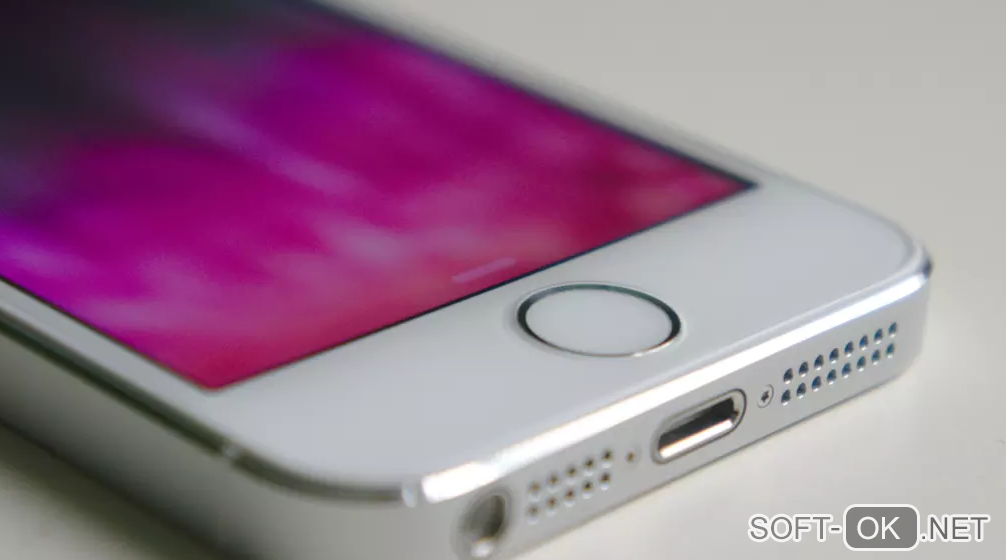
Are you having problems with your iPhone ? Don't worry, in most cases there is a solution: recovery mode or reset. So far, you could only access this by pressing a combination of buttons, but with RecBoot things get easier, and all it takes is a single click.
Recovery mode is the solution to many iOS issues, so accessing it can help you reset your device if a firmware update comes up with an error that "kills" your iPhone.
Typically, you need to press a combination of buttons on your device to perform a recovery on your iPhone. Sometimes this is not possible, especially if the home button on the iPhone is damaged. Thanks to Recboot you can enter recovery mode without pressing any buttons.
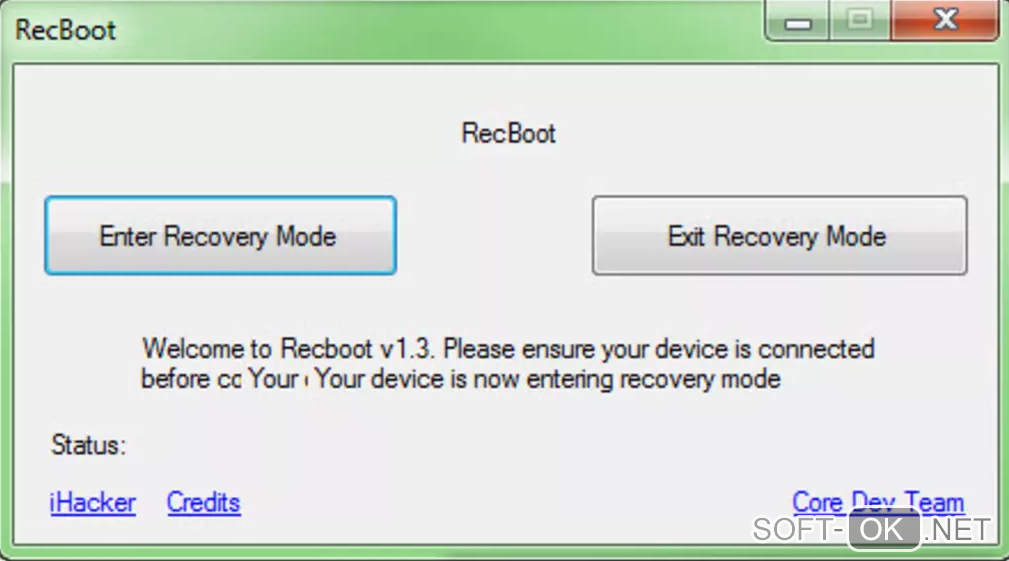
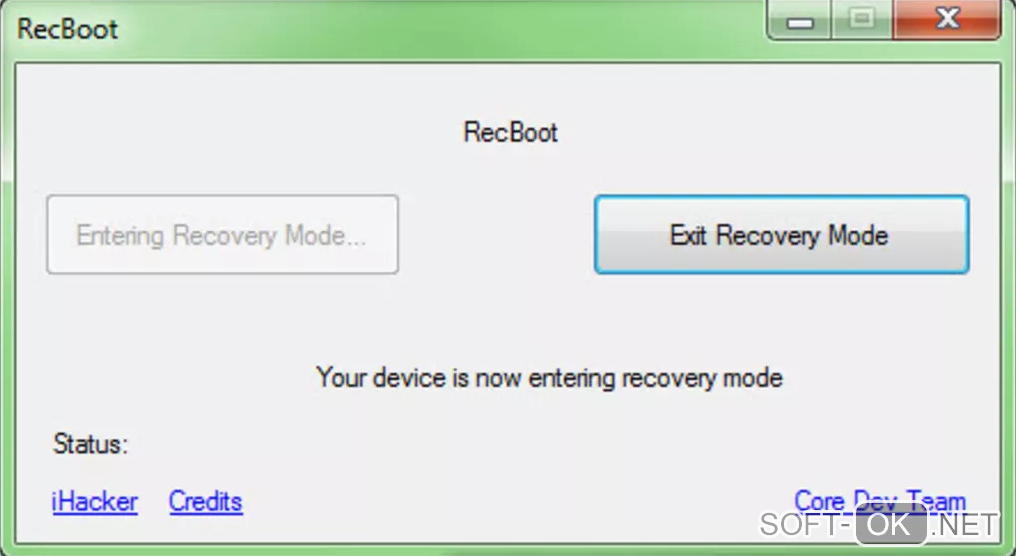
RecBoot activates recovery mode with three simple steps: connect your iPhone to your computer with a USB cable, run this software, and press enter recovery mode . When you no longer need to use this mode, just press "Exit recovery mode" and your iPhone will return to normal.
Free
1.3
The Core-Dev Team
Windows Vista
English
June 26, 2018
468 KB MB


